Lina Irawan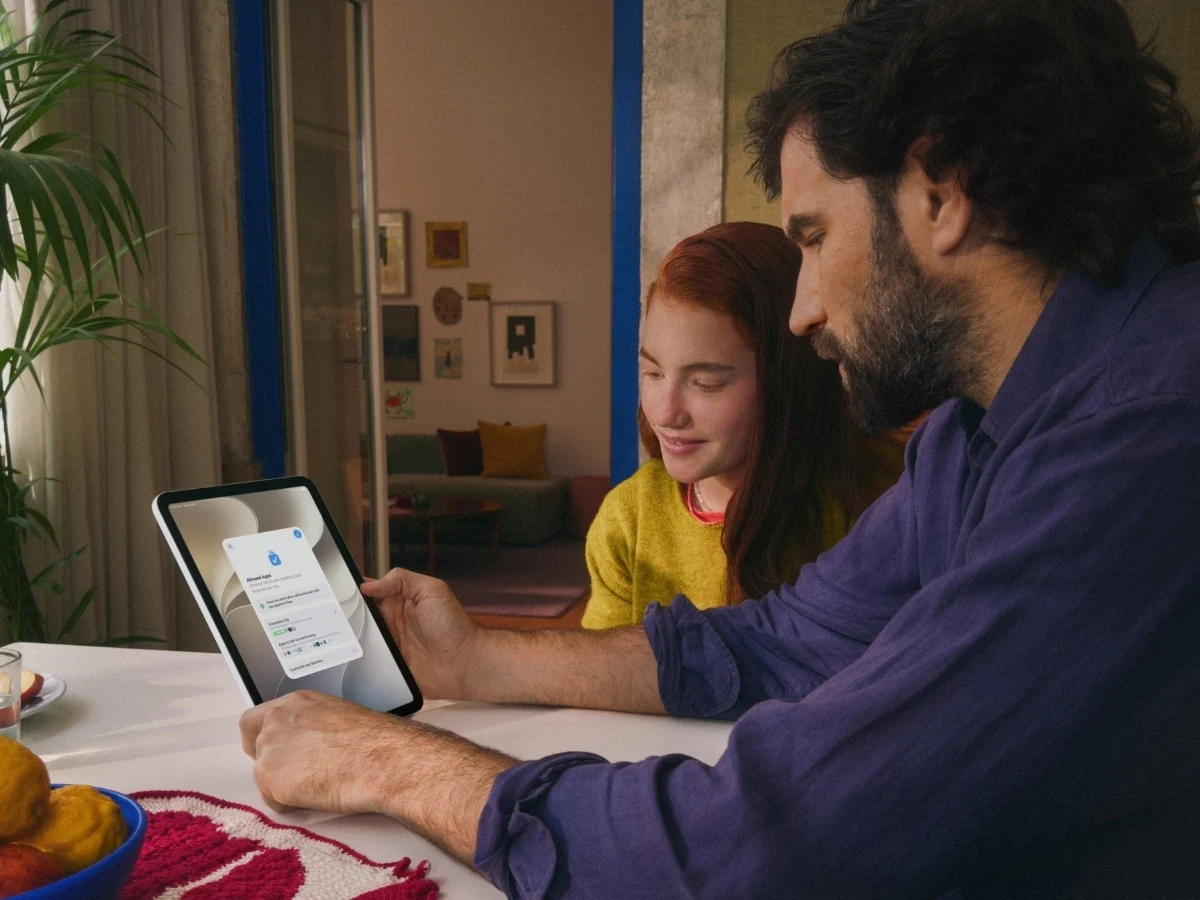
Apple has officially released its most comprehensive update to parental control systems to date, integrating advanced safety tools across iOS 27, iPadOS 27, and macOS 27 to address the evolving challenges of digital child-rearing. This software suite represents a strategic shift for the technology giant, moving away from fragmented settings menus toward an integrated, AI-enhanced ecosystem designed to protect minors from harmful content while simplifying the administrative burden for parents. The updates introduce sophisticated features such as "Ask to Browse," expanded "Communication Safety" protocols that now detect violent imagery, and category-based "Time Allowances" that leverage expert-backed age recommendations. By centralizing these controls within the Family Sharing framework, Apple aims to provide a more intuitive interface for managing a child’s digital footprint across iPhones, iPads, Macs, and even the Vision Pro headset.
The Evolution of Apple’s Child Safety Framework
The launch of these features marks a significant milestone in a journey that began in 2018 with the introduction of Screen Time in iOS 12. Initially, Apple’s parental controls were largely reactive, focusing on total usage hours and basic app blocking. However, as digital consumption patterns among minors shifted toward social media and encrypted messaging, the need for more proactive interventions became clear.
In 2021, Apple introduced Communication Safety for Messages, which used on-device machine learning to warn children when receiving or sending photos containing nudity. The iOS 27 update expands this logic significantly. The system now recognizes not just sexually explicit content but also gore and violent imagery. This expansion is a direct response to the rise in viral "shock" content and the increasing exposure of minors to graphic news or entertainment media through shared links and group chats.

Advanced Content Filtering: Ask to Browse and Communication Safety
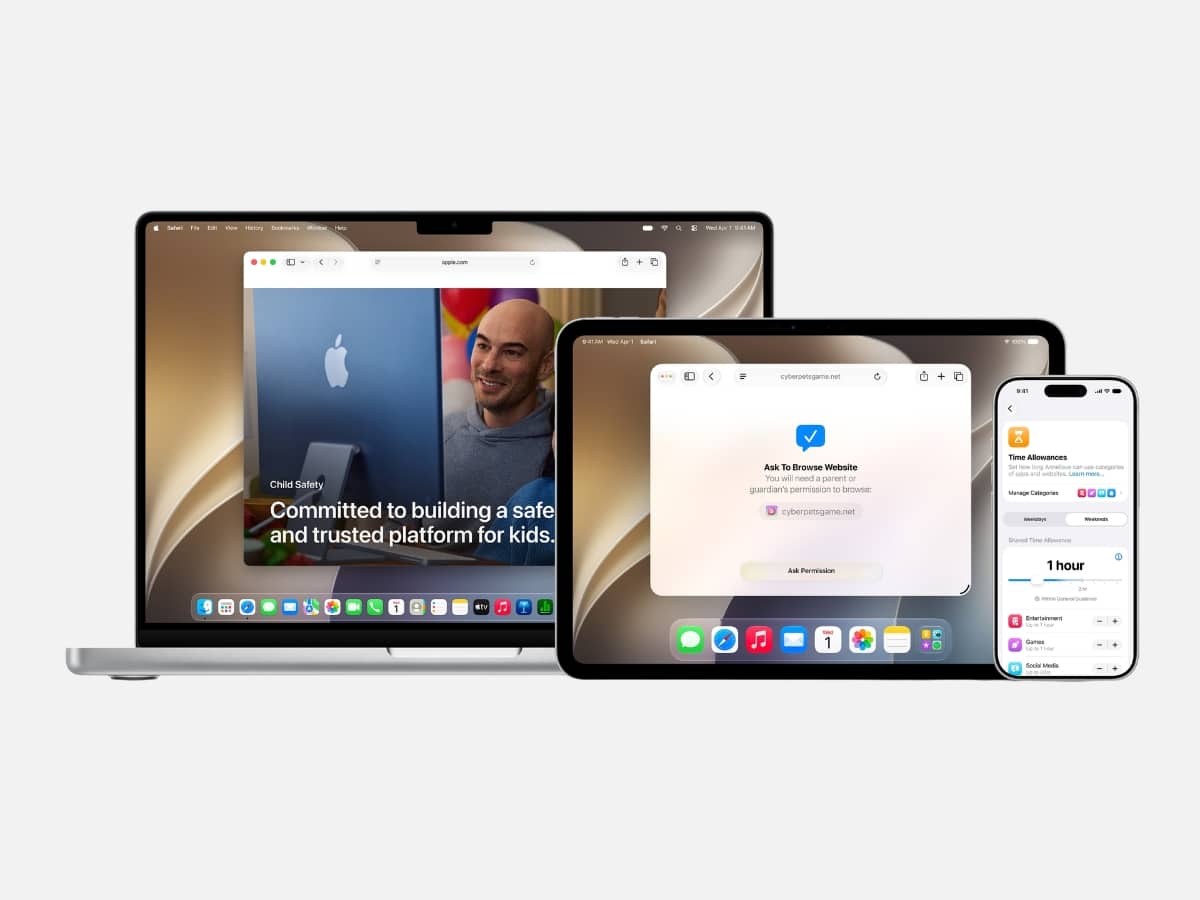
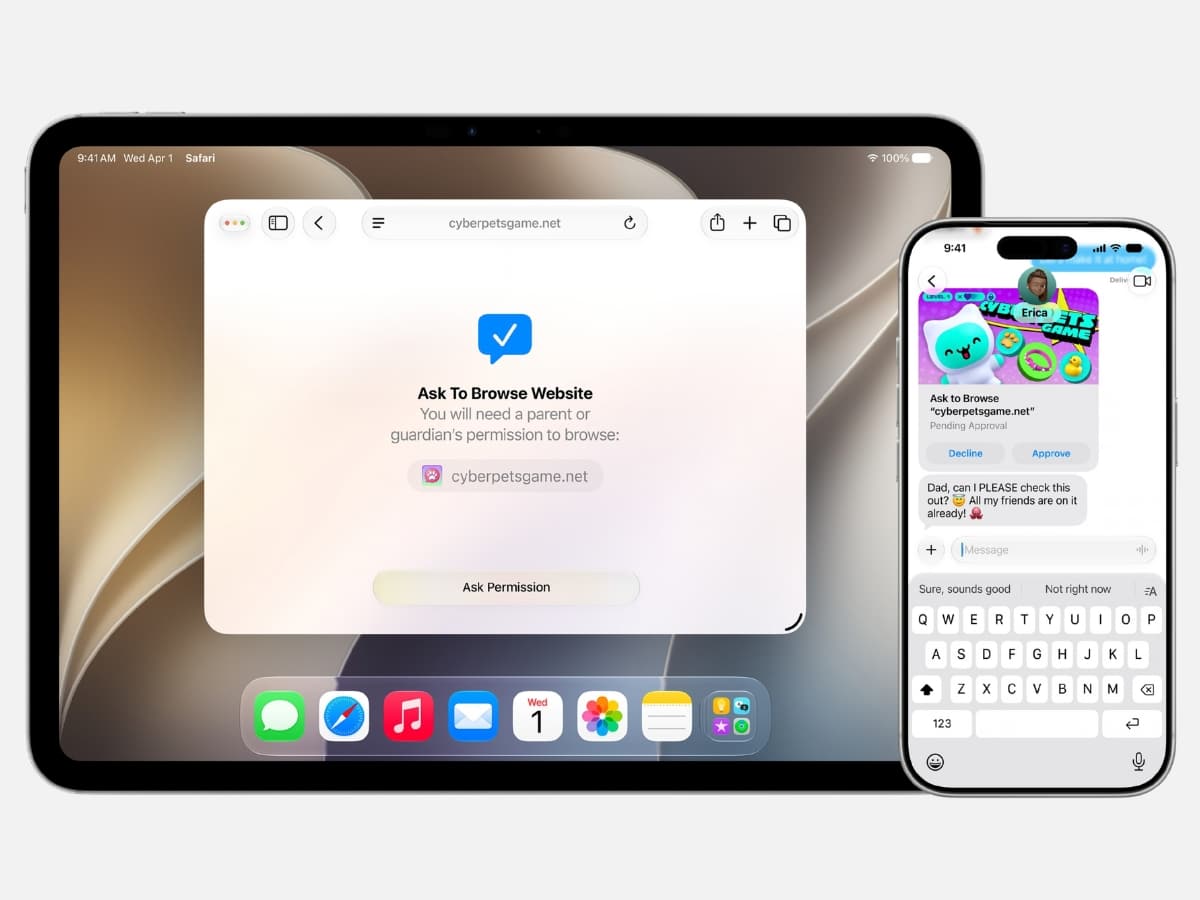
One of the most notable additions in the latest software cycle is "Ask to Browse." Traditionally, web filtering for children relied on "blacklists"—vast databases of known inappropriate websites that were often easily bypassed or failed to account for new domains. Apple’s new approach utilizes a permission-based model for Safari. When a child attempts to visit a website that has not been previously vetted or permitted, the system triggers a real-time notification to the parent’s device. The parent can then review the site and grant or deny access with a single tap.
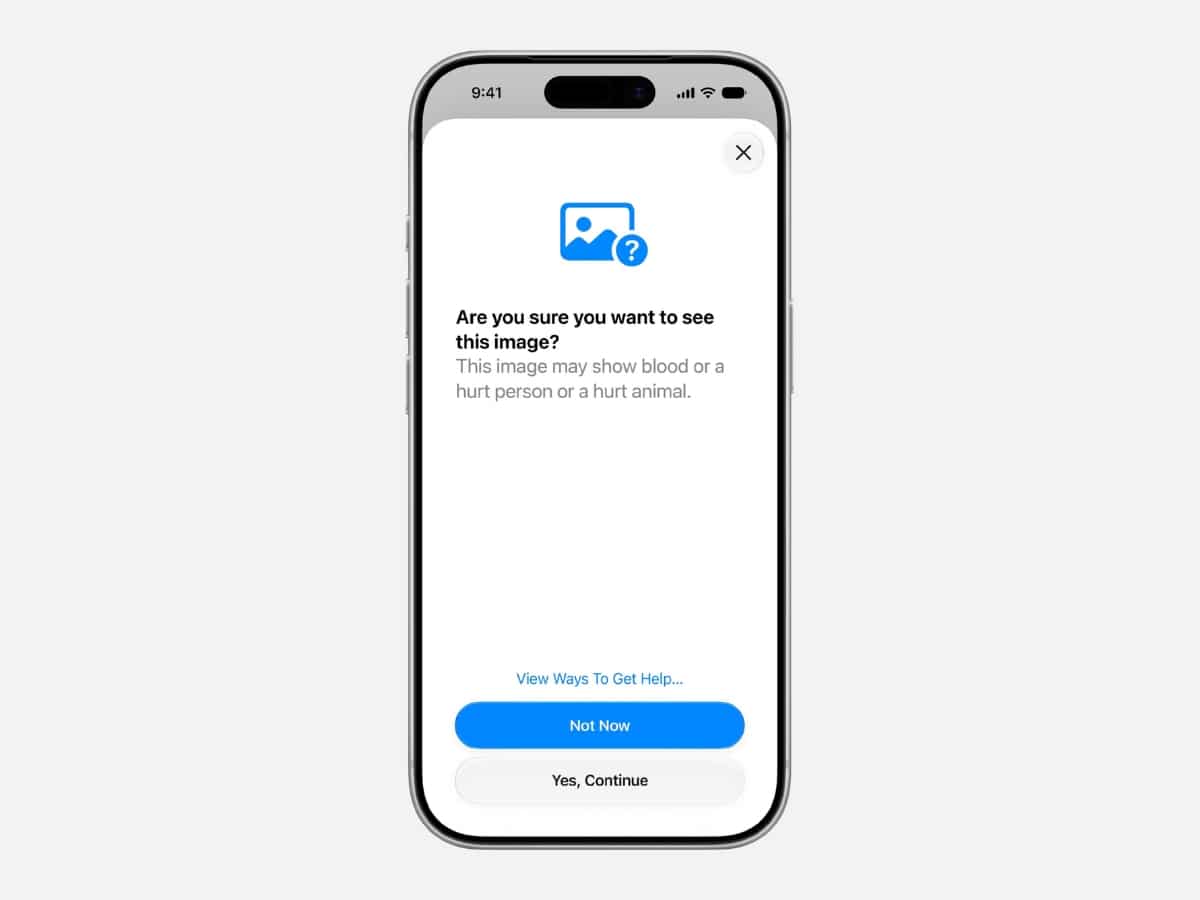
This feature is complemented by the upgraded Communication Safety system. Crucially, Apple maintains its commitment to user privacy by ensuring that all image analysis occurs on-device. The operating system does not "see" the content in the cloud; rather, the local processor scans incoming data for visual patterns associated with violence or nudity. If a match is found, the image is blurred, and the child is presented with a warning and resources for help. This technology now extends to FaceTime calls, providing a safety net for live video interactions—a previously difficult area to monitor without infringing on privacy.
Streamlining Device Management with Time Allowances
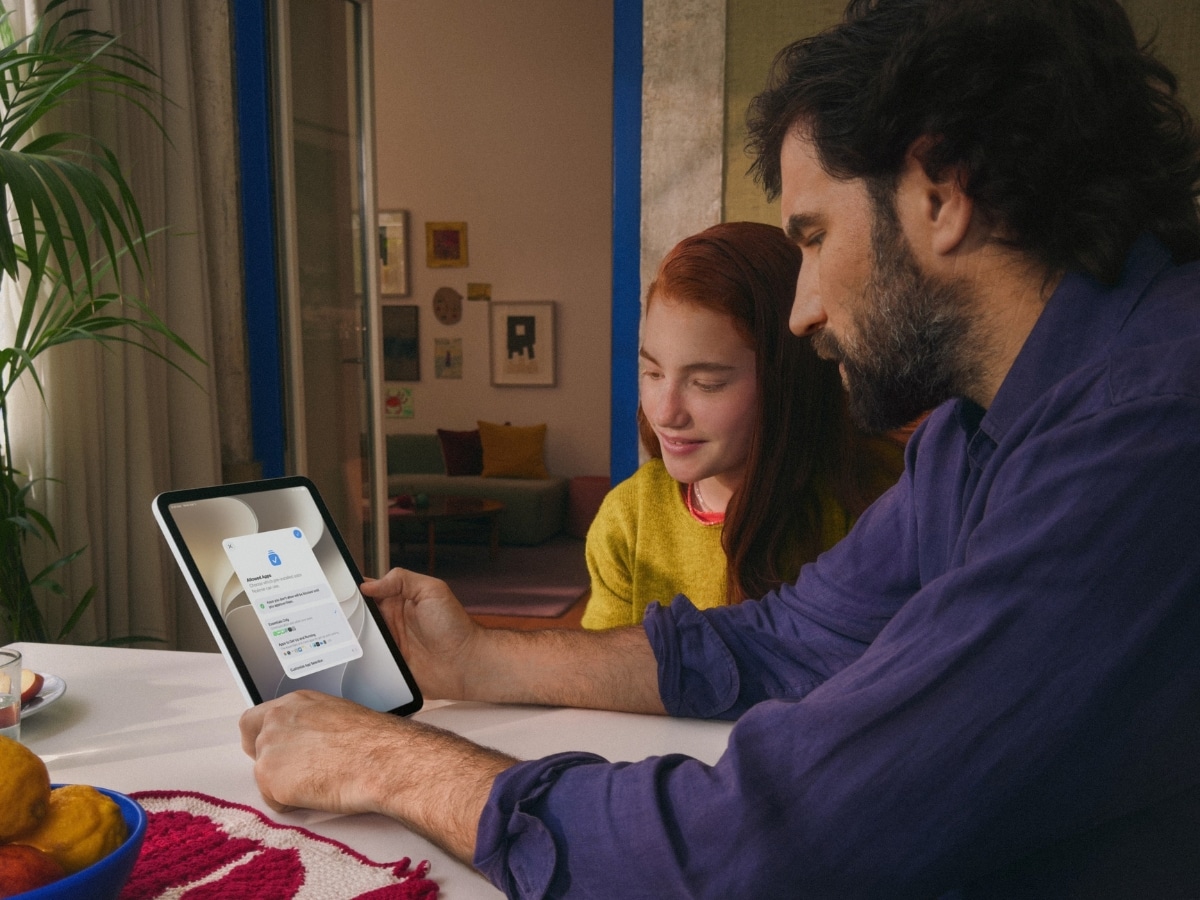
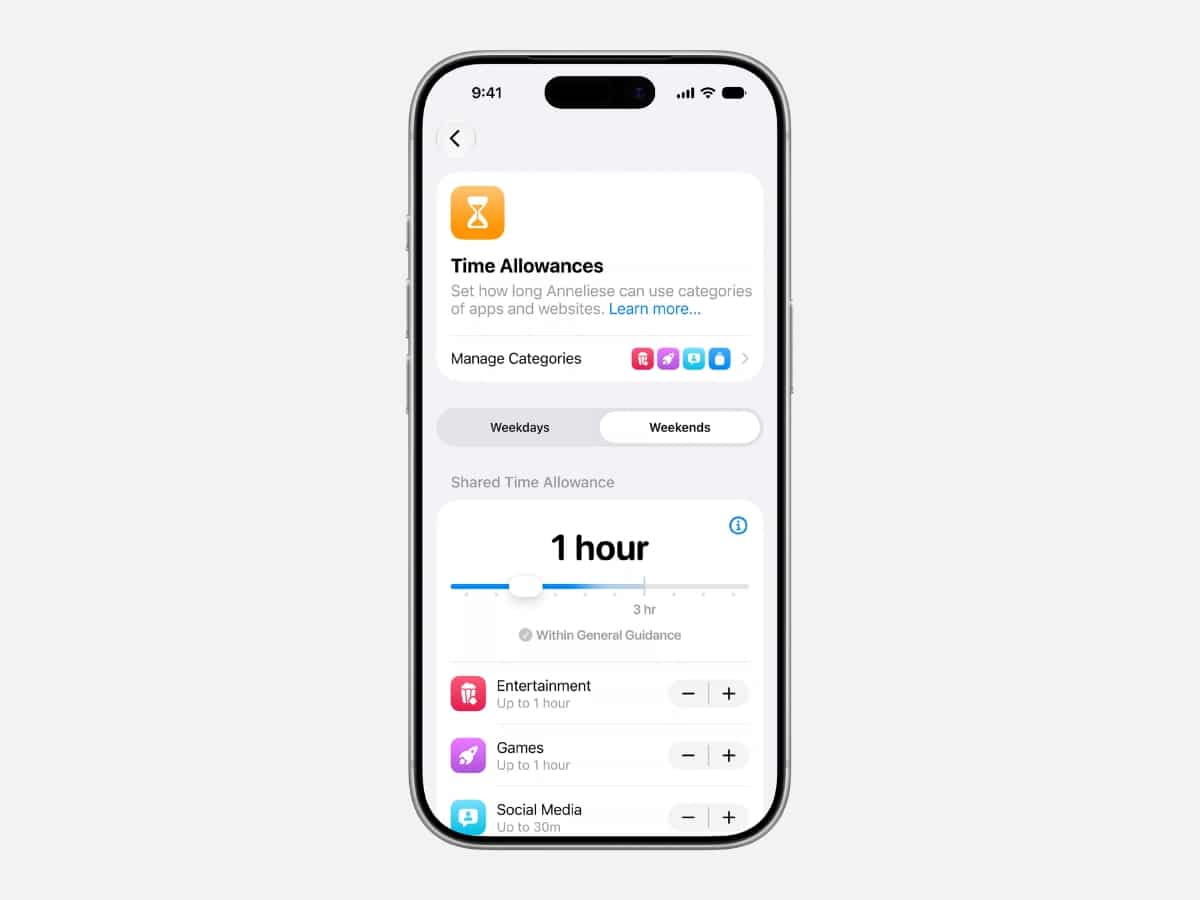
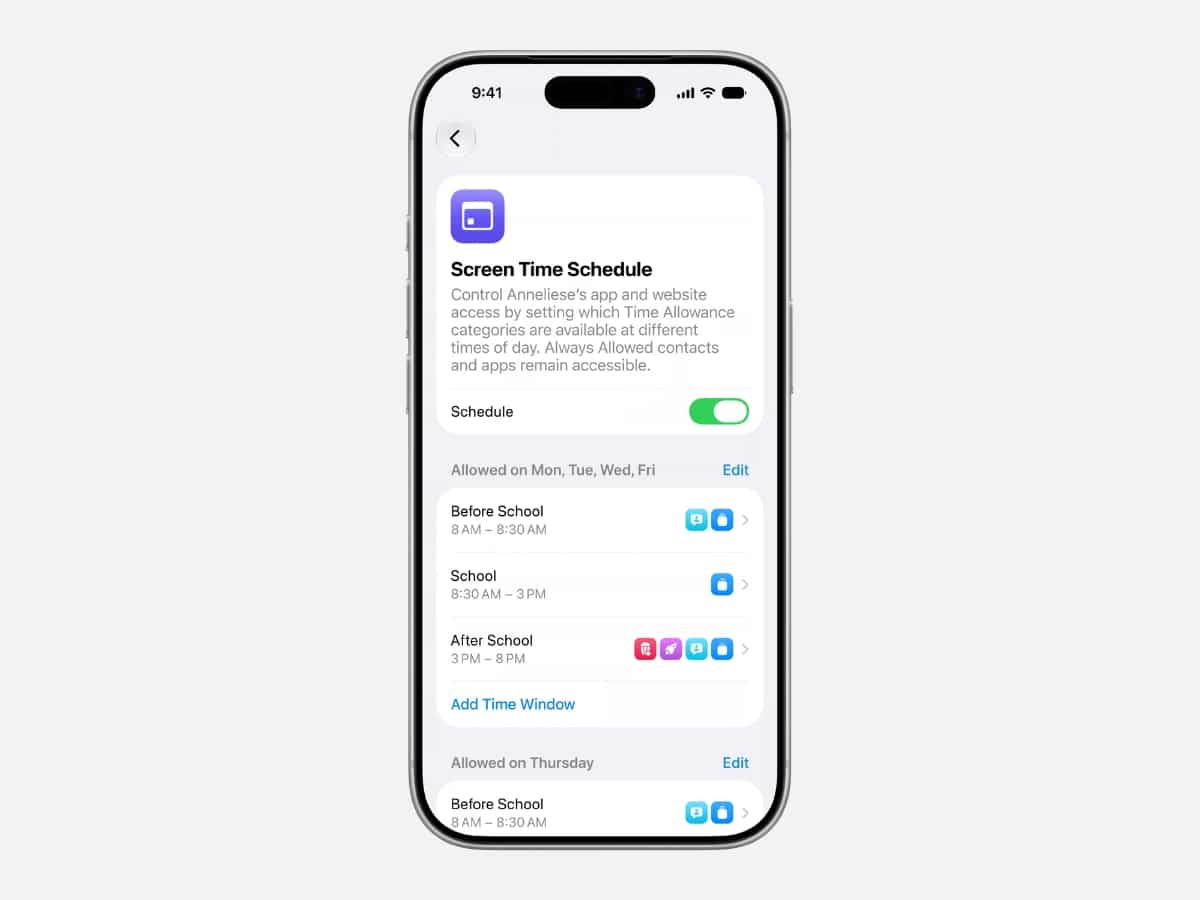
Recognizing that modern parenting involves managing multiple devices and schedules, Apple has redesigned the Screen Time interface. The new "Time Allowances" feature moves away from the tedious task of setting limits for individual apps. Instead, parents can now allocate time for broad categories such as "Social Media," "Games," or "Entertainment."
To assist parents who may be unsure of what constitutes "healthy" usage, Apple has integrated age-based guidance. These recommendations are informed by collaborations with child safety organizations and pediatric health experts. For example, a parent setting up a device for a 10-year-old may see a recommended daily limit for social media that differs significantly from the recommendation for a 15-year-old. While these are suggestions, they provide a factual baseline for families to begin discussions about digital boundaries.
The Family Sharing Infrastructure and Compatibility Requirements
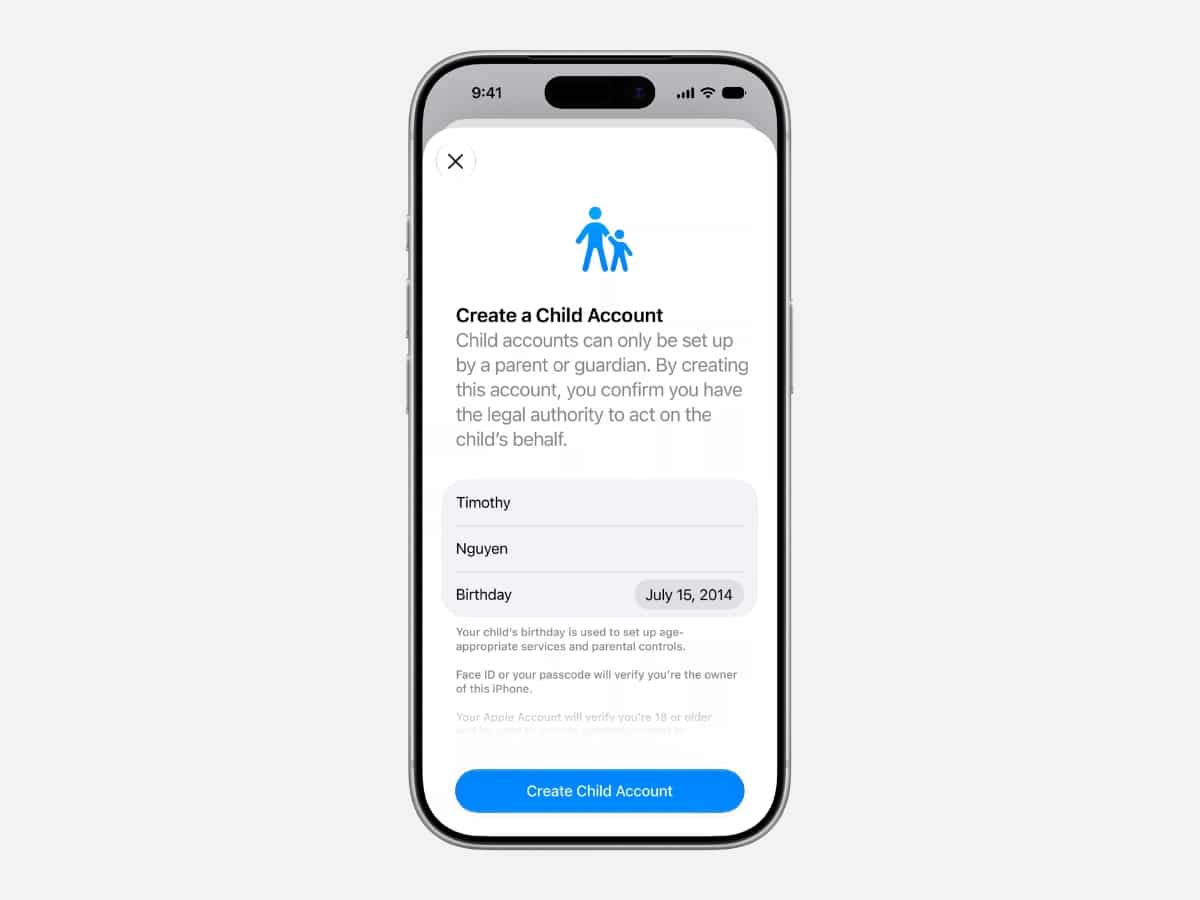
The backbone of these safety features remains Apple’s Family Sharing system. To utilize the new suite of tools, the "Organizer" (typically a parent) must create a dedicated Child Account. Apple has streamlined this setup process in the latest update, allowing parents to start with a "recommended set" of essential apps and restrictions from the moment the device is powered on. This "secure by default" approach is intended to prevent the common pitfall of handing over an unrestricted device and attempting to "lock it down" after the fact.
However, the new ecosystem comes with strict technical requirements. Apple has confirmed that for the new Screen Time experience to function correctly, every device within the Family Sharing group must be updated to the "27" version of their respective operating systems (iOS 27, iPadOS 27, macOS 27, watchOS 27, and visionOS 27). This creates a potential hurdle for families using older hardware. Devices such as the iPhone 11 or older may not support the latest software, meaning parents might need to audit their family’s hardware compatibility before expecting the new features to sync across the household.
Data and Context: Why Digital Safety is Escalating
The push for these features is supported by increasingly concerning data regarding youth mental health and digital safety. According to recent studies by the Pew Research Center, nearly 46% of teens report being online "almost constantly." Furthermore, data from the National Center for Missing & Exploited Children (NCMEC) suggests that reports of online enticement and exposure to inappropriate content have seen a steady year-over-year increase.
By integrating violence detection and "Ask to Browse," Apple is addressing the "context gap" in digital parenting. While a parent might be comfortable with their child using the internet for homework, the transition from an educational site to a social platform containing graphic content can happen in seconds. Apple’s internal data suggests that simplified controls lead to higher engagement with safety features; by making these tools easier to find and adjust, the company hopes to increase the percentage of parents who actively manage their children’s digital environments.
Industry Reactions and the Privacy Debate
The tech industry has generally viewed Apple’s updates as a necessary evolution. Child advocacy groups, such as Common Sense Media, have long called for "safety by design," praising the move toward category-based limits and easier setup processes. Analysts suggest that by making these features more user-friendly, Apple is positioning itself as the "safe choice" for families, a key differentiator in the competitive smartphone market.
However, the updates have not been without scrutiny. Privacy advocates continue to monitor how on-device scanning evolves. While Apple asserts that no data leaves the device, the presence of algorithms that can "see" and "categorize" content—even locally—remains a point of discussion regarding the balance between protection and surveillance. Apple has countered these concerns by emphasizing that the tools are entirely optional and controlled by the parent, not the corporation.
Chronology of Apple’s Safety Milestones
- September 2018: Launch of Screen Time (iOS 12), introducing app limits and "Downtime."
- September 2019: Communication limits added, allowing parents to control who their children can call or message.
- December 2021: Initial rollout of Communication Safety (nudity detection) in the US.
- September 2023: Expansion of Communication Safety to AirDrop, Contact Posters, and third-party apps.
- September 2026/2027: Launch of the "Version 27" suite, introducing gore/violence detection, "Ask to Browse," and category-based Time Allowances.
Broader Implications for the Future of Parenting
The introduction of these features reflects a broader societal shift toward acknowledging the "second job" of digital parenting. As children gain access to technology at younger ages, the role of the parent has expanded to include that of a digital gatekeeper and cybersecurity administrator. Apple’s latest updates acknowledge that parents are "juggling" multiple responsibilities and that safety tools must be frictionless to be effective.
Looking forward, the inclusion of visionOS 27 in this safety update suggests that Apple is preparing for a future where spatial computing and augmented reality are common among younger users. By establishing these safety protocols now, the company is ensuring that as the medium of interaction changes—from flat screens to immersive environments—the fundamental protections for minors remain consistent.
In conclusion, the iOS 27 and macOS 27 updates represent a pivot toward a more proactive, intelligent, and user-centric model of digital safety. While hardware compatibility remains a caveat, the breadth of the new tools—from violence detection to streamlined web approval—provides parents with a more robust toolkit to navigate the complexities of the modern internet. As these features become standard, the focus will likely shift from whether parents can protect their children online to how they use these tools to foster healthy, open dialogues about digital citizenship.




 Yuyun Lusiyani
 Joko Widodo
 Jia Lissa
 Pevita Pearce
 admin
admin